
Odoo implementation services for small business
We set up Odoo, ERPNext or EspoCRM on your own server, shape it around how your company actually works and move your data in from spreadsheets, QuickBooks or the CRM you are leaving. Open-source, so the software costs nothing per seat. For small businesses of 5–30 people.
A free 30-minute look at your processes, no obligation. Then a fixed price and a timeline in writing.Where spreadsheets stop being enough
Quotes in one, stock in another, jobs in a third. They agree only when someone updates all of them the same evening.
Invoices are fine. Stock levels, purchase orders, who is on which job and what a project actually cost live somewhere else, usually in someone's head.
You asked for a NetSuite or Dynamics price and got a number with an implementation fee that only makes sense at 200 people.
Per-seat pricing means every new person is another subscription, so half the team works outside the CRM and the pipeline is wrong.
Odoo Community went up on a server, the demo looked great, and then nobody had time to configure it for the real process. It has been sitting there since.
The same client exists in the CRM, in accounting and in a shipping tool, with three different addresses. Nobody knows which one is right.
Odoo Community or Enterprise, and when to skip Odoo
Odoo Community is free to run and covers most of what a small company needs: CRM, quotes, invoicing, inventory, purchasing, projects. Enterprise adds modules and hosting and is priced per user. We start with Community on your own server and tell you when a paid feature is actually worth it, so the decision is yours and made on facts.
Odoo is not always the answer. A company that only needs a CRM does better with EspoCRM, which is lighter and easier to keep. A company where accounting or manufacturing is the whole story may fit ERPNext better. We have set up all three and say which one we would pick for you at the review.
Implementation shaped around your process, not the demo
We map how a job moves through your company today, from the first enquiry to the paid invoice, and turn on only the modules that carry that path. Each one is configured for your terms, your stages and your documents. The people who will use it see their own process on the screen, not a generic demo.
The setup runs on your own server or a cloud account in your name. Access, backups and updates are yours from the first day, and nothing depends on us after handover.
Your data moves in, cleaned on the way
Customers, products, open quotes, stock levels and history come in from spreadsheets, QuickBooks, Xero or the CRM you are leaving. Duplicates are merged, addresses are normalised and the records that did not match are shown to you as a list rather than silently dropped. You review the exceptions once; the rest lands where it belongs.
We run the import on a copy first and compare the totals with your books. Only when the numbers agree does the real migration happen, and the old system stays readable until you decide to switch it off.
Customization that survives the next update
Extra fields, an approval step, a report in the shape your accountant wants, a document template with your terms: most of this is configuration, and we keep it that way. Where real code is needed, it goes into a separate module with its own tests, so a version upgrade does not break what we built.
We connect Odoo to what stays outside it: Shopify orders, a payment processor, DocuSign, the email your team lives in. Odoo becomes the one record, and the other tools read from it.
An AI agent inside the ERP
Once the data lives in one place, an agent can work on it: turn an email into a lead with the fields filled, draft a quote from the product list, explain why this month's margin moved or flag a purchase order that does not match the delivery. A person approves; the agent does the reading and the typing.
This is the same agent work we do on any system, described on the automation page. With Odoo it is easier, because everything the agent needs is already in one database.
What an ERP does not fix
An ERP records a process. It does not decide one. If your team does not agree on how a job moves from quote to invoice, the software will show that disagreement on every screen, and we will ask you to settle it before we configure anything.
Your accountant stays. Odoo can hold the books, but tax filing, year-end and the chart of accounts remain their call, and we set up accounting the way they specify. And free software is not free work: hosting, backups and someone to answer questions after launch are real costs, and we name them in the proposal.
From a free review to a system your team uses
- 1
A free 30-minute review
Show us the spreadsheets and the tools you use. We say which Odoo modules would replace what, or whether ERPNext or EspoCRM fits better, and whether an ERP pays off at your size.
- 2
Scope, fixed price and a timeline
You get the modules, the migration plan, the customizations and the acceptance checks in writing. Hosting and any Enterprise licences are listed on their own line.
- 3
Pilot on one process with your real data
The first module usually goes live in 2–4 weeks: one process, real records, the people who will use it. Everything else follows in agreed steps.
- 4
Handover, training and agreed support
You get the access, the documentation and a session for your team. We agree who applies updates, keeps backups and takes the questions.
How we handle moving a company onto one system
A UK rental operator moving bookings, pricing, cleaning and owner settlements from several tools onto one system, property by property, without stopping operations. The same discipline applies to an ERP rollout: one process at a time, old system readable until the new one is proven.
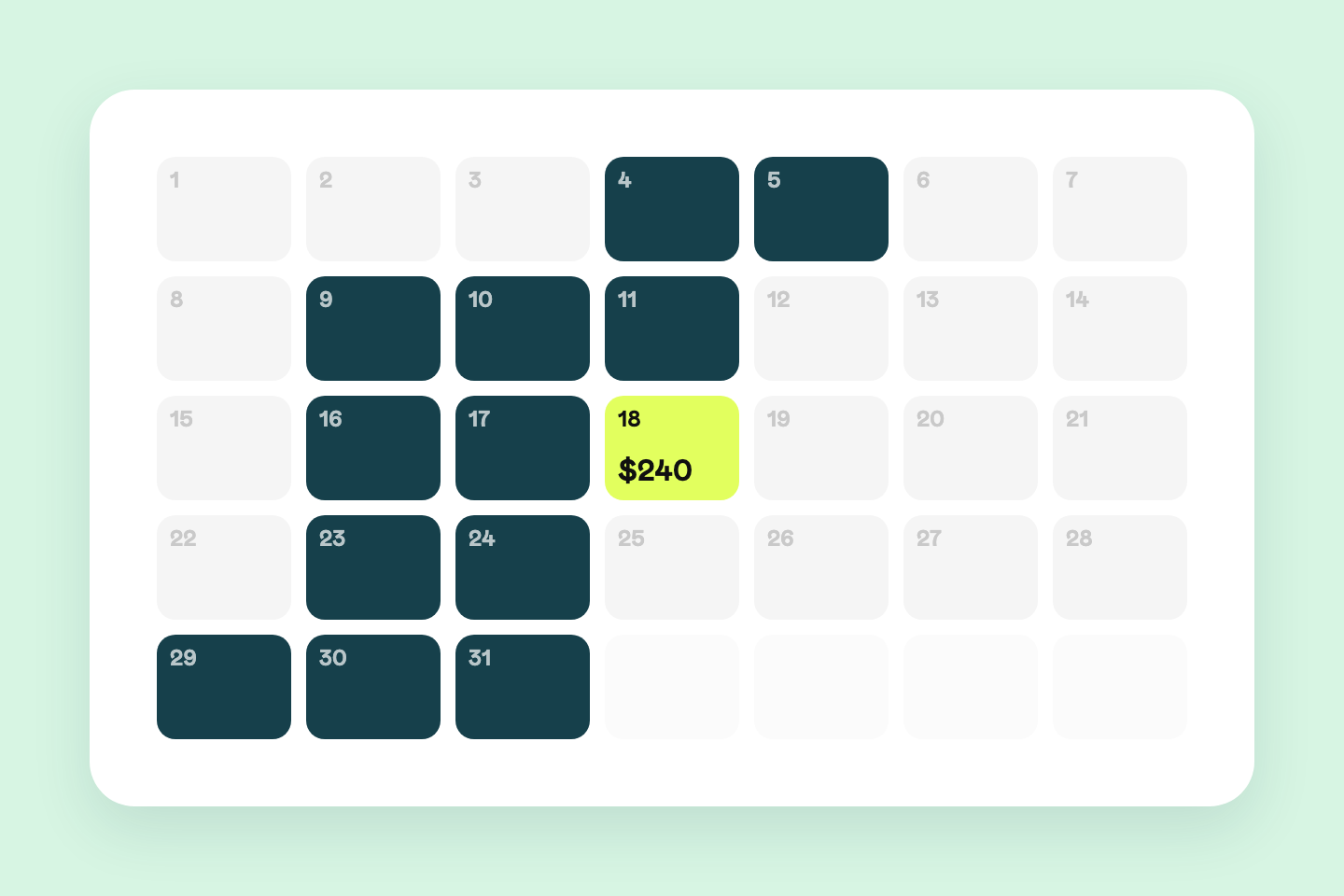
$96,000 a year for a PMS that got the money wrong
The off-the-shelf system charged $16 per flat per month. Across a portfolio of 500 flats that is $96,000 a year. And it still calculated owner payouts incorrectly.
Read the full case study →Questions before starting
- What do Odoo implementation services include?
Odoo implementation covers choosing the modules for your process, configuring them for your terms and documents, moving your data in from spreadsheets or previous tools, connecting outside systems such as Shopify or a payment processor, training your team and handing over access and documentation. Custom code is added only where configuration cannot do the job.
- Odoo Community or Odoo Enterprise: which one do we need?
Odoo Community is free to run and covers CRM, sales, invoicing, inventory, purchasing and projects, which is enough for most companies of 5–30 people. Enterprise adds modules such as full accounting reports, payroll or field service, plus official hosting, and is priced per user. We set up Community first and point out the specific feature that would justify Enterprise, if there is one.
- How much does Odoo implementation cost?
The 30-minute review is free and carries no obligation. After it we quote a fixed price and a timeline in writing. The price depends on the number of modules, how clean the data is and how much customization the process needs. Hosting and any Enterprise licences are listed separately. There is no single price because a CRM-only setup and a full inventory rollout are different projects.
- How long does it take?
The first module usually goes live in 2–4 weeks once the scope and access are agreed. A full rollout across sales, inventory and accounting takes longer and runs in steps, one process at a time. Messy data and an undecided process are the two things that add the most time, and the proposal states the schedule.
- Can you migrate from QuickBooks, Xero or spreadsheets to Odoo?
Yes. Customers, products, open documents, stock levels and history are imported, duplicates merged and unmatched records shown to you for review. We run the import on a copy first and compare totals with your books before the real migration. The old system stays readable until you decide to switch it off.
- Odoo vs ERPNext vs EspoCRM: how do you choose?
Odoo fits a company that needs sales, inventory, purchasing and invoicing in one place. ERPNext is a good fit where accounting or manufacturing is the core and the team is comfortable with a more technical system. EspoCRM is the right choice when you need a CRM and nothing else. We say which one we would pick for you at the review, and the answer is sometimes none of them.
- Do we need our own server?
Odoo, ERPNext and EspoCRM run on a small cloud server in your name, and we set it up and hand you the access. Odoo can also run on Odoo's own hosting with an Enterprise subscription. Either way the data and the account belong to you.
- Who maintains it after launch?
At handover we agree who applies updates, keeps backups and answers questions: your team, us on a support agreement, or both. Customizations are kept in separate modules with tests so a version upgrade does not break them. You keep full access, so you can carry on without us or with another team.
Show us the spreadsheet that runs your company
Bring the sheets, the CRM and the accounting tool you use today. In 30 minutes we will say which Odoo modules would replace what, whether Community is enough or you need Enterprise, and whether an ERP is worth it for your size at all.