
AI automation services for small business
We connect your systems and build AI agents that prepare documents, check information and compile reports. For small businesses of 5–30 people. Your team reviews the result and handles the exceptions.
Free 30-minute process review, no obligation. Fixed price and timeline in writing afterwards.Where the work gets stuck
A lead arrives through a form, but someone still copies the address and deal details into the CRM, a spreadsheet and a contract.
The numbers are in your tools. Someone has to collect them, spot the gaps and explain what changed before anyone can use them.
The team fills the same template, copies a calculation and checks that the names and terms match the client record.
Listings, messages and records pile up. People open them one at a time to find missing details and contradictions.
An automation consultant who builds the workflow
We trace one process from its trigger to its finished result: where the data comes from, who checks it and what happens when something is missing. Then we build the connections, document steps and AI checks that remove the repeated work.
Start with one process you can measure. Before the build, we agree what success means: less handling time, fewer corrections or fewer records copied by hand. The same measure is checked on real examples before handover.
Make your tools pass the work along
A form submission can update the right CRM contact, prepare a document and create the next task. A completed step passes its status back, so your team can see where the work stands without checking every app.
We scope connections around the tools you use: HubSpot, Pipedrive, QuickBooks, Xero, DocuSign, Google Sheets and Slack. Access and the fields you need are checked before we promise an integration. Existing records, duplicates and failed updates are part of that review.
Custom AI agent development for a specific job
An AI agent can read unstructured text, compare information from several sources and draft a result inside a workflow. We build it around your task: checking a listing for contradictions, extracting details from a message or explaining a weekly report.
Calculations and known rules stay in code. AI handles the parts that need interpretation. Your team approves consequential changes, and uncertain or incomplete results go back to a person. We agree what the agent may read, write and send before building it.
Prepare the document and the next step
Your template receives the client details and agreed calculations from their source. A person checks the terms before sending. After signing, the workflow can file the document, update the deal and notify the team responsible for the next step.
DocuSign can remain your signing service. We build the work before and after it, with approval points and a visible status for documents that need attention.
Four projects that show the work
These case studies show different parts of the service: system integration, document assembly, AI review and a sales workflow. They describe the projects themselves; your scope and expected result are agreed separately.
Connecting operations during a PMS migration
A UK rental operator is moving properties gradually onto a system that connects bookings, pricing, cleaning tasks and owner settlements. Failed channel updates become visible tasks for an operator; managers still assign cleaners and check exceptions.
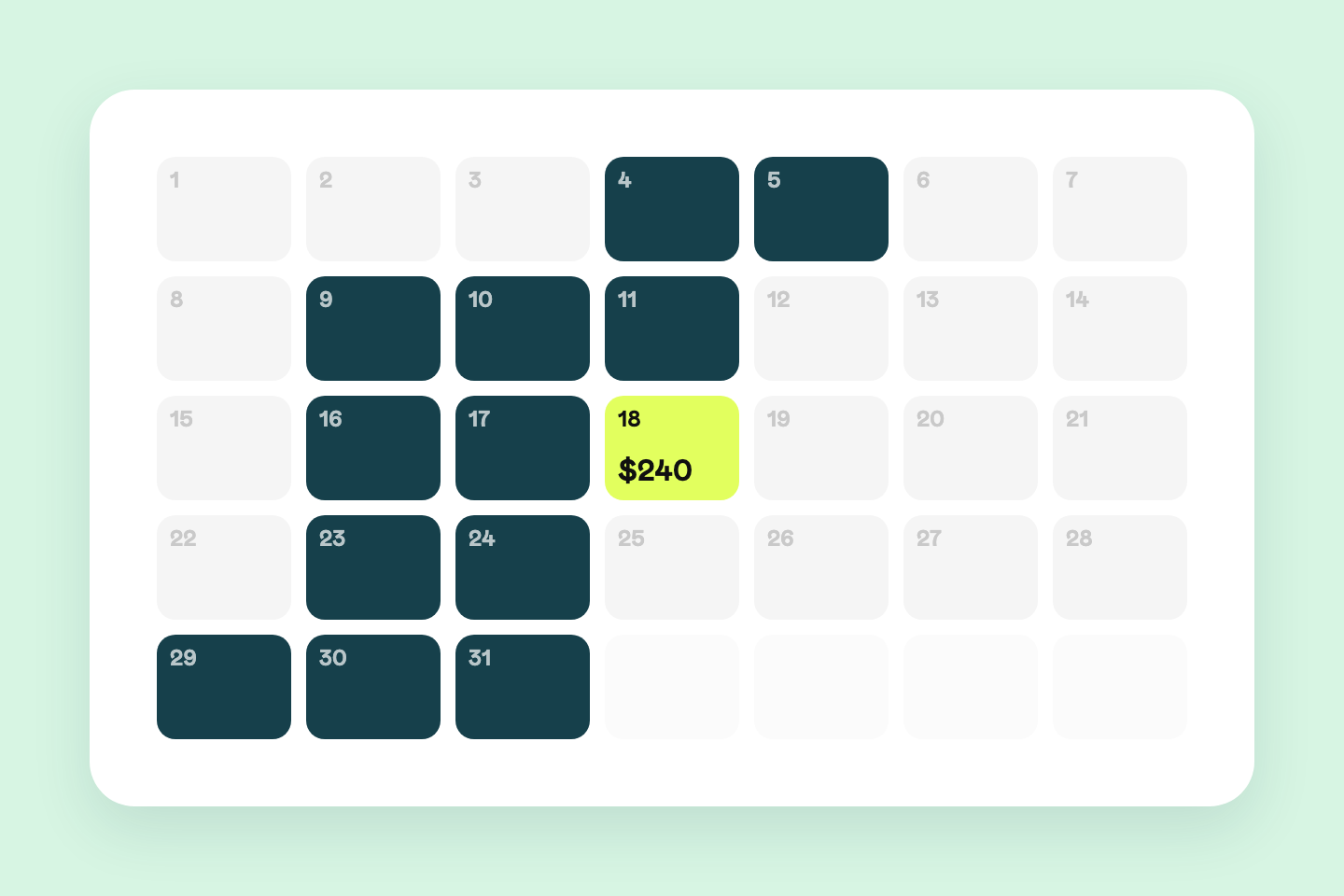
$96,000 a year for a PMS that got the money wrong
The off-the-shelf system charged $16 per flat per month. Across a portfolio of 500 flats that is $96,000 a year. And it still calculated owner payouts incorrectly.
Read the full case study →From a client record to a contract
Contract details and the income forecast assemble from existing data. The manager checks the commercial terms, and the owner sees the forecast, contract and signing steps on the company's own page. This project uses a custom signing flow.
An in-house contract signing system with detailed analytics
The signing service showed nothing after send: whether the client opened the contract, which clause stopped them, why they went quiet.
Read the full case study →AI checks a listing and prepares the fixes
A listing link becomes a report covering text, photos, reviews and contradictions. Rule-based calculations and AI interpretation work together, with suggested titles and descriptions the team can review before publishing.
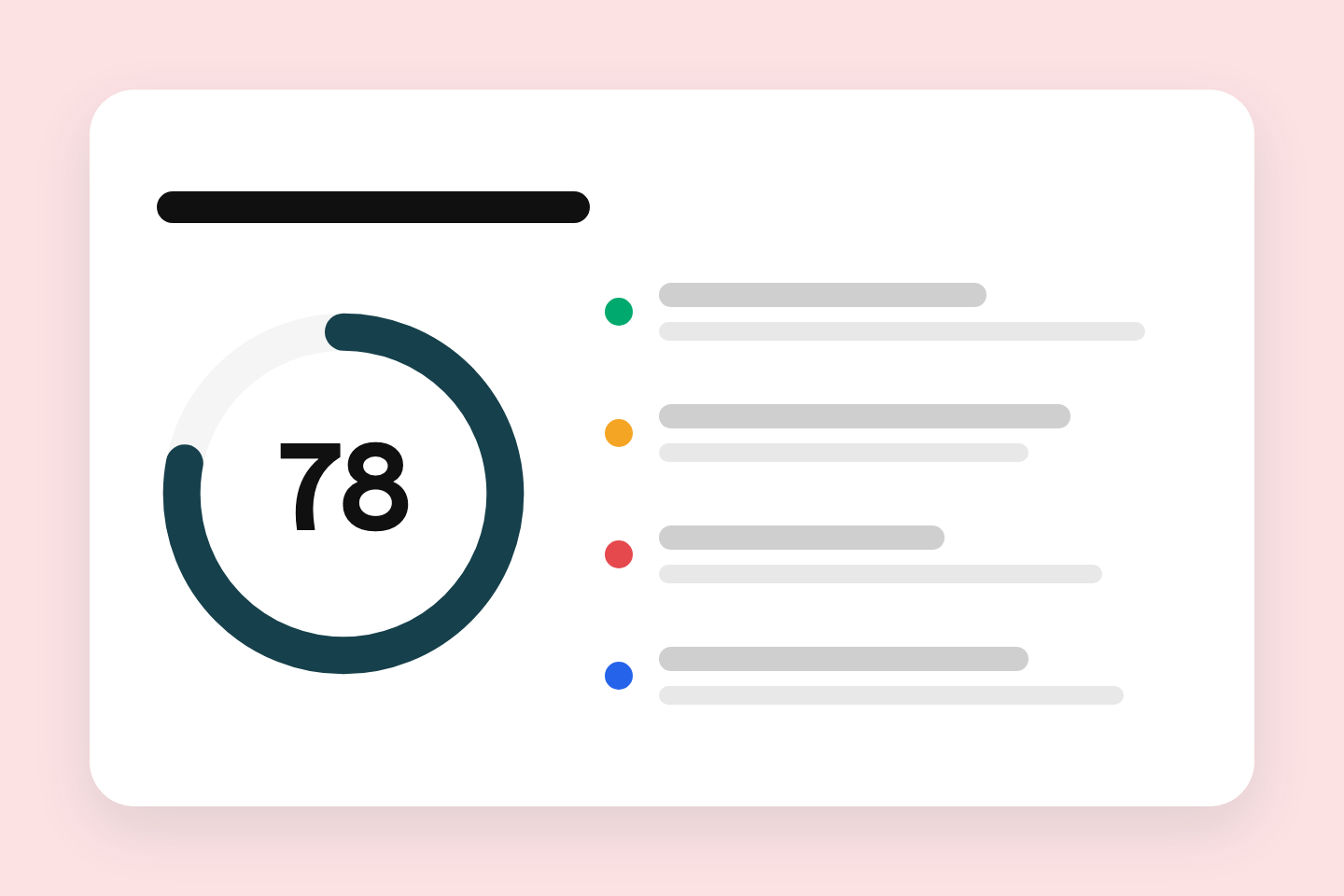
500 listings on the platforms, and no way to check them
They were written at different times by different people. Which title gets cut off, which amenity never made it into a photo — you could only find out by opening every listing and going through it by hand.
Read the full case study →A booking flow that carries the lead into HubSpot
The booking screen reuses information already entered in the funnel and fills the CRM fields the sales team needs. Calendar booking completes before the follow-up CRM and email steps. The owner can also edit the site's copy through a chat with AI.
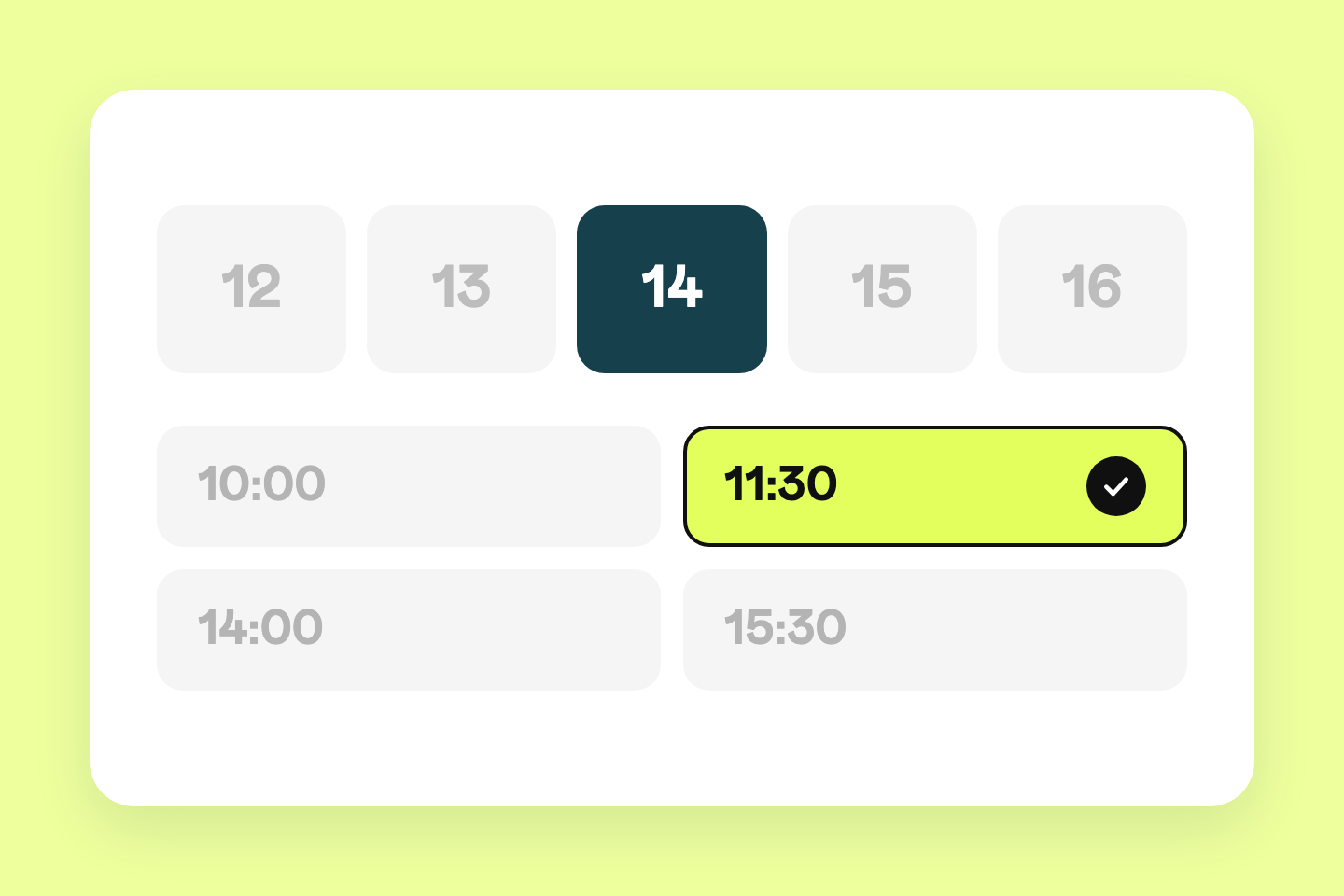
Booking a call: a subscription for a widget you cannot change
They paid for Calendly every month and could not extend it. It knew nothing about the person: not the funnel data, not the income estimate for their flat, not the CRM fields.
Read the full case study →From a free review to a working process
- 1
A free 30-minute process review
Walk us through one repeated task. We identify the systems, inputs, exceptions and likely benefit, including whether automation is worth the effort.
- 2
Scope, fixed price and a timeline
You get the deliverables, approval points and acceptance criteria in writing. Ongoing hosting, model and software costs are identified separately before you agree.
- 3
Build and test on real examples
A first bounded process usually takes 2–4 weeks, subject to access and scope. Your team checks ordinary cases, missing data and failures before launch; a larger migration needs its own schedule.
- 4
Handover and agreed support
You receive access and operating instructions. We agree who handles failed runs, changes in connected tools and ongoing maintenance.
Questions before starting
- What do your business automation services include?
Awakes reviews a repeated business process, connects its systems and builds the steps that move data, prepare documents or compile reports. AI checks are added where the task requires interpreting text or images. The scope includes approval points, failure handling and handover instructions.
- Do we need a custom AI agent or a regular automation?
A regular automation fits a task with known rules, such as copying approved fields or calculating a total. A custom AI agent helps when the task includes reading messages, comparing descriptions or drafting explanations. One workflow can use both; the process review determines which parts need AI.
- How much does automation cost?
The 30-minute process review is free and carries no obligation. After reviewing the workflow and access to your systems, we provide a fixed project price and timeline in writing. Hosting, model usage and third-party subscriptions are identified separately. There is no single price for every workflow.
- How long does implementation take?
A first bounded process usually takes 2–4 weeks once the scope and required access are agreed. Multiple systems, poor source data or a gradual migration can take longer. Your proposal states the schedule and what your team needs to provide.
- Can you work with our existing CRM and accounting tools?
We assess the available connections and required fields in your current tools before agreeing the scope. The aim is to keep the systems your team uses and connect the missing steps. Any access limits or necessary changes are discussed during the review.
- What happens if the AI gets something wrong?
AI output can be wrong. We define which results need human approval, check required fields and route uncertain results or failures to a person. We test against representative examples before launch. Payments, commitments and other consequential actions require the approval rules agreed for your workflow.
- Where does our business data go?
We agree which data each connected service and model may receive before implementation. Access is scoped to the task. Hosting, retention and any requirement to keep data within your own infrastructure are part of the project design and must be checked against the proposed tools.
Show us the work your team keeps repeating
Bring one process and an example of the result you need. We will work through what can be automated, what needs a person and whether the project is worth doing.